Modern hot tubs display error codes on the control panel when something goes wrong. This guide covers the most common codes across Balboa, Gecko, and Spa Touch control systems — but always check your specific manual, as codes can vary by manufacturer.
First step for any error code: Power cycle the tub — switch it off at the isolator, wait 30 seconds, switch back on. This clears many temporary faults. If the code returns, investigate further.
FLO / FL / Flow Error
What it means: The control system has detected insufficient water flow through the heater. This is a safety feature — the heater won't run without adequate flow to prevent it burning out.
Common causes:
- Blocked or dirty filter — the most common cause by far
- Air lock in the pump after a refill
- Low water level (check the water is above the skimmer line)
- Closed or partially closed valves
- Failing circulation pump
- Faulty flow switch or pressure switch
Try first: Clean or replace your filter. Check water level. If you've recently refilled, run the jets for a few minutes to purge any airlocks.
Call us if: The code persists after a clean filter and power cycle — the pump or flow switch may need inspection.
OH / OHH / High Limit
What it means: The water or heater temperature has exceeded the safe limit (usually 43°C). The heater has shut off as a safety measure.
Common causes:
- Hot weather — direct sunlight on the tub cover can raise water temperature
- Cover left off in summer
- Thermostat set too high
- Faulty temperature sensor or high-limit sensor
- Failing topside control
Try first: Remove the cover, let the water cool, power cycle. If it's a hot day, this is likely the cause.
Call us if: The error appears in cold weather or when the water temperature is clearly within normal range — this suggests a sensor fault.
DR / DRY / Dry Fire
What it means: The heater has attempted to run without detecting water. This is a critical safety fault — the heater will have shut down to prevent damage.
Common causes:
- Very low water level
- Air lock — common after refilling
- Failed circulation pump
Try first: Check water level. If you've recently refilled, purge airlocks by briefly loosening a union fitting. Power cycle.
Call us if: The water level is correct and the error persists — this needs a professional diagnosis.
CD / Cold / Freeze Protection
What it means: The water temperature has dropped to a level where freeze protection has activated. The pump will run continuously to prevent the pipes freezing.
What to do: This is a safety mode, not necessarily a fault. Check the tub is powered and the set temperature is correct. In very cold weather this is normal. Do not switch the tub off — you risk freezing the pipework.
SL / Sleep Mode
What it means: The tub is in economy or sleep mode and only heating to 20°C below the set temperature. Not a fault — adjust your timer settings if you want it ready at a specific time.
Err / Error (generic)
What it means: A general fault has been detected. On some systems, pressing the "Jets" or "Light" button will display a more specific code.
Blinking temperature display
On many Balboa systems, a flashing temperature reading indicates the water hasn't yet reached the set temperature. This is normal — particularly after a water change or in cold weather.
When to call a professional
You should call us if:
- The error code returns immediately after a power cycle
- You've checked the obvious causes and can't identify the problem
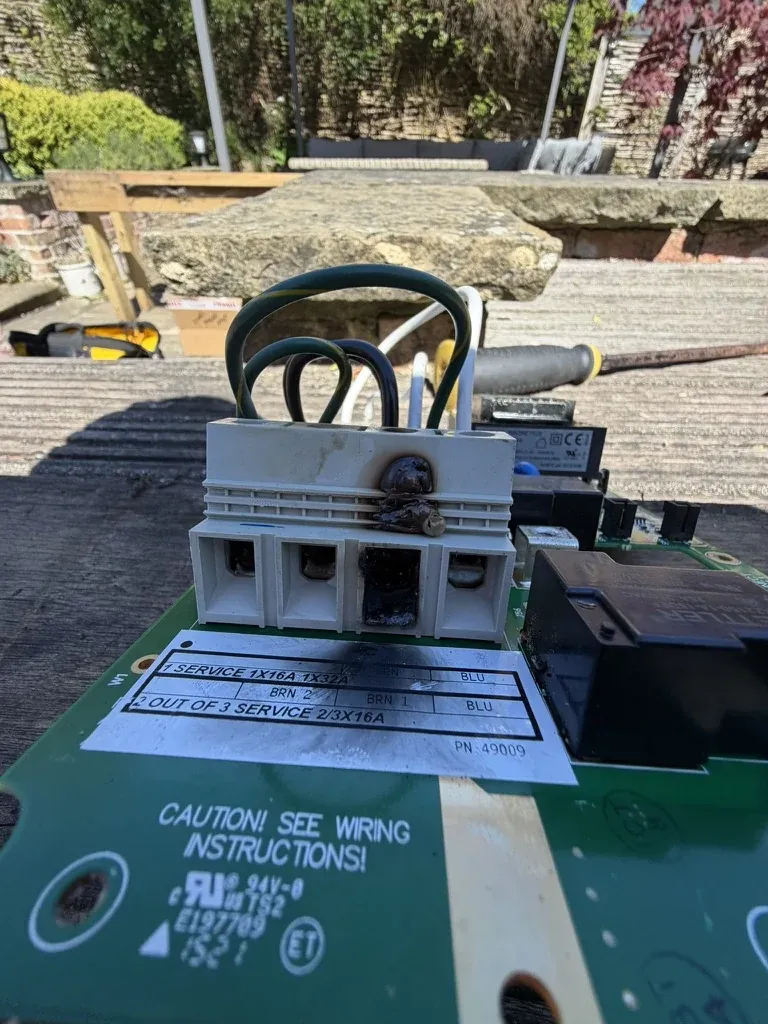
- The error relates to a heating or electrical fault
- The tub is losing water (a leak)
- You're not confident working around electrical components
We diagnose and fix all these faults. Book a diagnosis or call us on 01472 400673 and we'll talk you through it first.